Put every useful place on the map
Show stages, entrances, food stands, toilets, information points and transport stops. Add descriptions so visitors know what they will find.

Turn your venue, programme and visitor information into an interactive 3D event map. Give guests a place to discover what is happening, where to go and what to explore next.
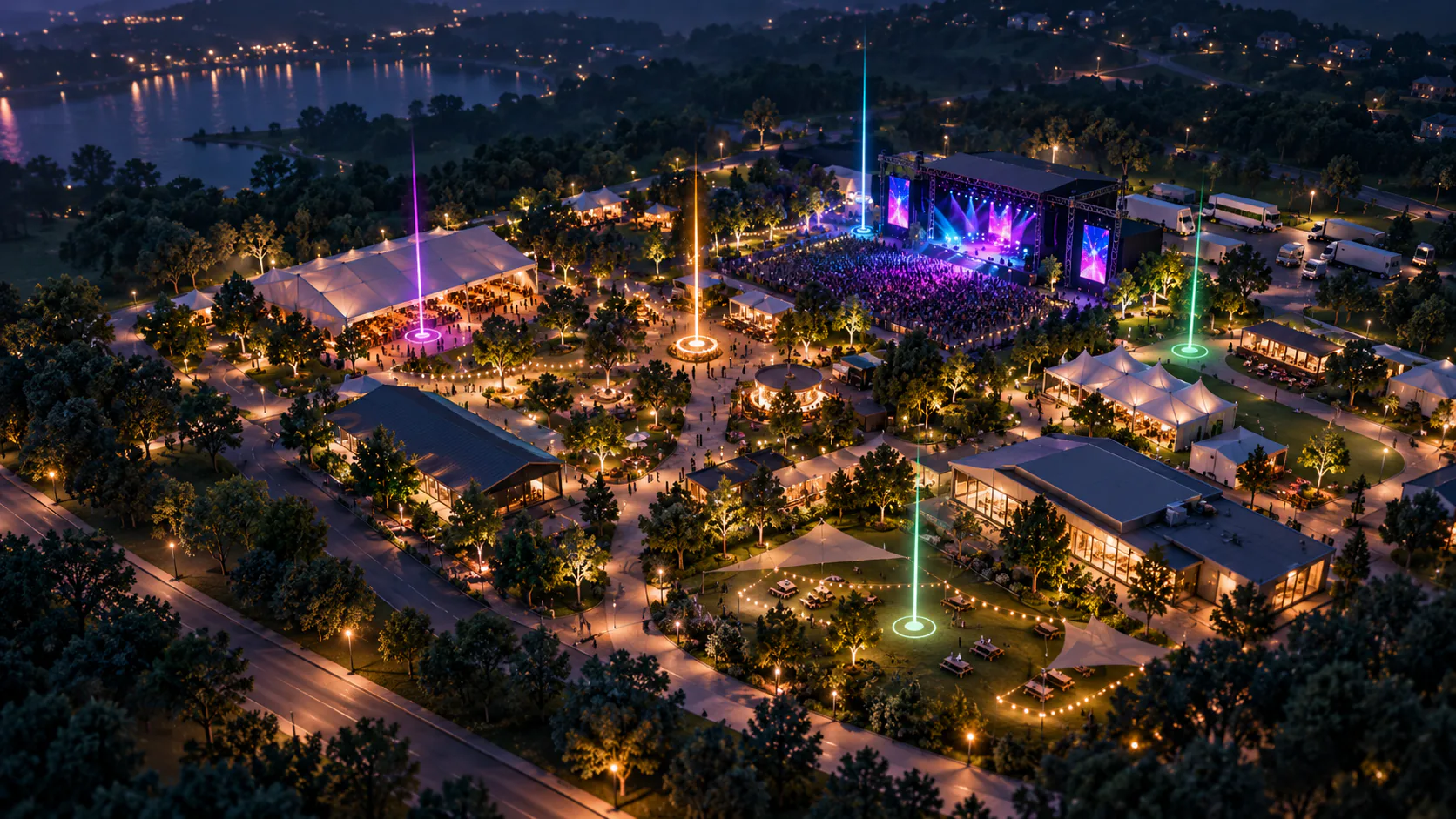
From a festival site to a conference venue, bring your event into focus. Connect stages, sessions and practical places in one shareable visitor guide, instead of asking guests to piece together a map and a separate programme.
Show stages, entrances, food stands, toilets, information points and transport stops. Add descriptions so visitors know what they will find.
Add session times and locations. Visitors can explore the venue alongside the event timeline and see where each part of the programme belongs.
Send a public event link or embed the viewer on your website. Visitors can explore in their browser on desktop or mobile.
Choose your event location and map background. Use the map as it is, or upload GLB models for a more distinctive 3D scene.
Add sessions, times and points of interest. Place them on the map and use the preview to see how the event comes together.
Copy your event link or website embed code. Choose the viewer language and the timeline information you want to show.
Festivals with several stages. Conferences with sessions across a venue. Exhibitions with places to discover. Ventabird helps you connect the programme to the places that make your event special.
Explore the demoMonthly subscriptions in USD. Choose the event and team capacity you need.
Build and share your first interactive event map.
$36/ month
More creative possibilities for your events and team.
$69/ month
The complete creative toolkit, with support when you need it.
$399/ month
No. You can start with a map background, add your event location and place sessions and points of interest. GLB models are optional if you want to customise the scene.
Yes. The event editor provides a public event link and website embed code. You can also choose whether the embedded viewer shows the timeline and navigation tips.
The viewer interface is available in English, German, French and Italian. Choose a language when sharing your event. Event names and descriptions use the content you enter.
Yes. Open the interactive demo to explore a venue, its points of interest and its programme before deciding whether Ventabird fits your event.
Take a look around the demo. When you are ready, choose a plan or talk to us about your venue.